Downloads
Desktop clients powered by PirateTok libraries. No accounts, no API keys, no servers.
One-window GUI with embedded live video
Favorites and discovery panels
Trainer-style installer with theme music
Auto-downloads FFmpeg and PirateTok.Live
No console windows, fully self-contained
Local state, no accounts needed
Download
↓ PirateTok-Setup.exe
Requirements: Windows 7 or newer. Everything else is downloaded by the installer.
Installs to %LOCALAPPDATA%\PirateTok — desktop and Start Menu shortcuts created automatically.
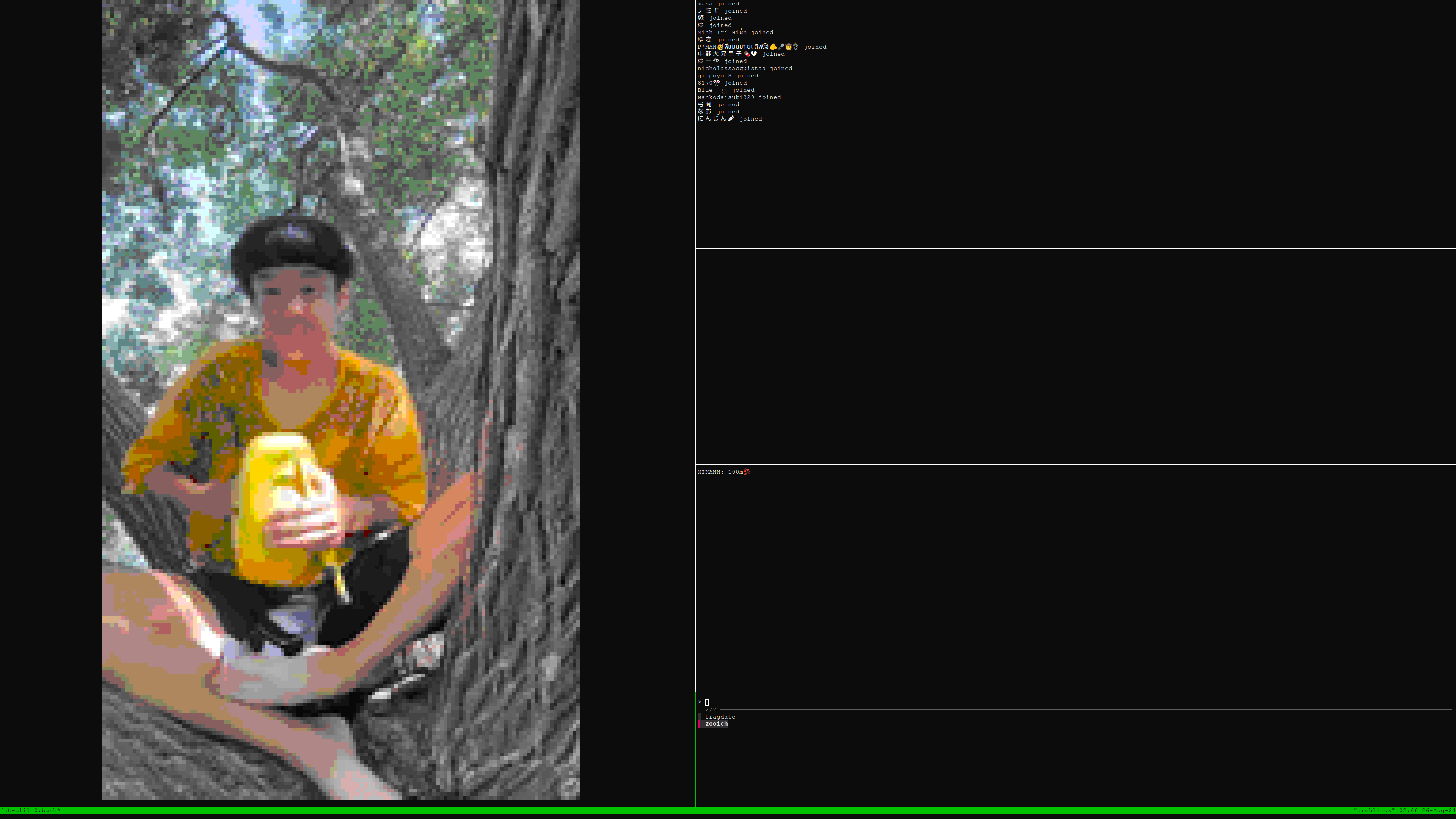
tmux multi-pane: chat, gifts, joins, video
fzf-powered user picker with live discovery
mpv video stream directly in terminal
Zero compiled dependencies
Watch list with online status checks
Browse live users from TikTok feed
Install
$
git clone https://github.com/PirateTok/ttytok && cd ttytok && make install
copy
Dependencies: bash, tmux, fzf, openssl, gzip. Optional: mpv (video in terminal).
Usage & keybindings
ttytok Open TUI
ttytok add <user> Add to watch list
ttytok remove <user> Remove from list
ttytok list List saved users
ttytok discover Browse live users
ttytok check <user> Check if user is live
Key Action Enter Connect to selected user Ctrl-D Discover live users (feed browse) Ctrl-R Refresh saved users' online status Ctrl-A Add a new user Ctrl-X Remove selected user
+--------+---------------------+
| | joins/follows |
| stream +---------------------+
| (mpv) | gifts |
| +---------------------+
| | chat |
| +---------------------+
| | fzf user picker |
+--------+---------------------+
 Tok
Downloads
Donate
Tok
Downloads
Donate